 Using multiple
computers
Using multiple
computers
If you have
configured the key setups as you want them, but then need to use Accenter on
another computer, you don't need to reenter all the configurations.
Instead, follow the steps below.
-
Using Accenter on the first computer, select
'Export key setup' from the 'File' menu.
-
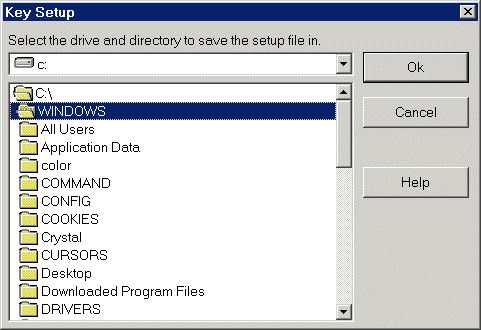
Select the drive and path where you want to save
your customized settings. (for example, a floppy disk)
-
Now run Accenter on the second
computer.
-
Select 'Import key setup' from the 'File'
menu.
-
Select the drive and path where you saved your
customized settings, and click 'Ok'.
Contents
HTML Help file Copyright © 2001 by Virtu
Software
www.virtu-software.com