 Page
Formatting
Page
Formatting
Page
Formatting
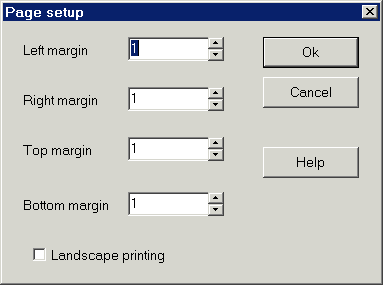
Like WordPad, Accenter does not allow you to save the page setup with the document. This is because the rich text format (*.rtf) does not support this capability. Page setup options can be accessed, however, using the 'Page setup' option in the 'File' menu. This option displays the following dialog:
Margins
Accenter assumes an 8.5" x 11" sheet of paper. If you need other formatting capabilities, save your document and then load it with another word processor.
The default margins are 1" on each side. Change these as appropriate, and click 'Ok'
Orientation
By default, Accenter prints Portrait style (the long edge of the paper faces vertically). You can choose 'Landscape printing' if you want the document to be printed sideways.
HTML Help file Copyright © 2001 by Virtu Software