 Activation
Keys
Activation
Keys
Activation
Keys
By default, Accenter uses the 'ALT' key to activate the symbol groups. This behavior can be changed, if you prefer to use another key. Select 'Activate on...' from the 'Edit' menu. The following dialog will appear:
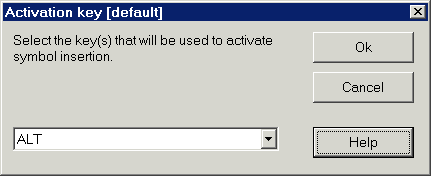
Your key choices are:
Which activation key you use is a matter of personal preference. When deciding which key to use, consider the following:
NOTE: Like the key customizations, this feature is stored in a file which is based on your Windows login. This allows other users to have different settings. Your user name appears in brackets at the top of the dialog. If you entered no user name when you logged onto Windows, this will appear as [default].
HTML Help file Copyright © 2001 by Virtu Software